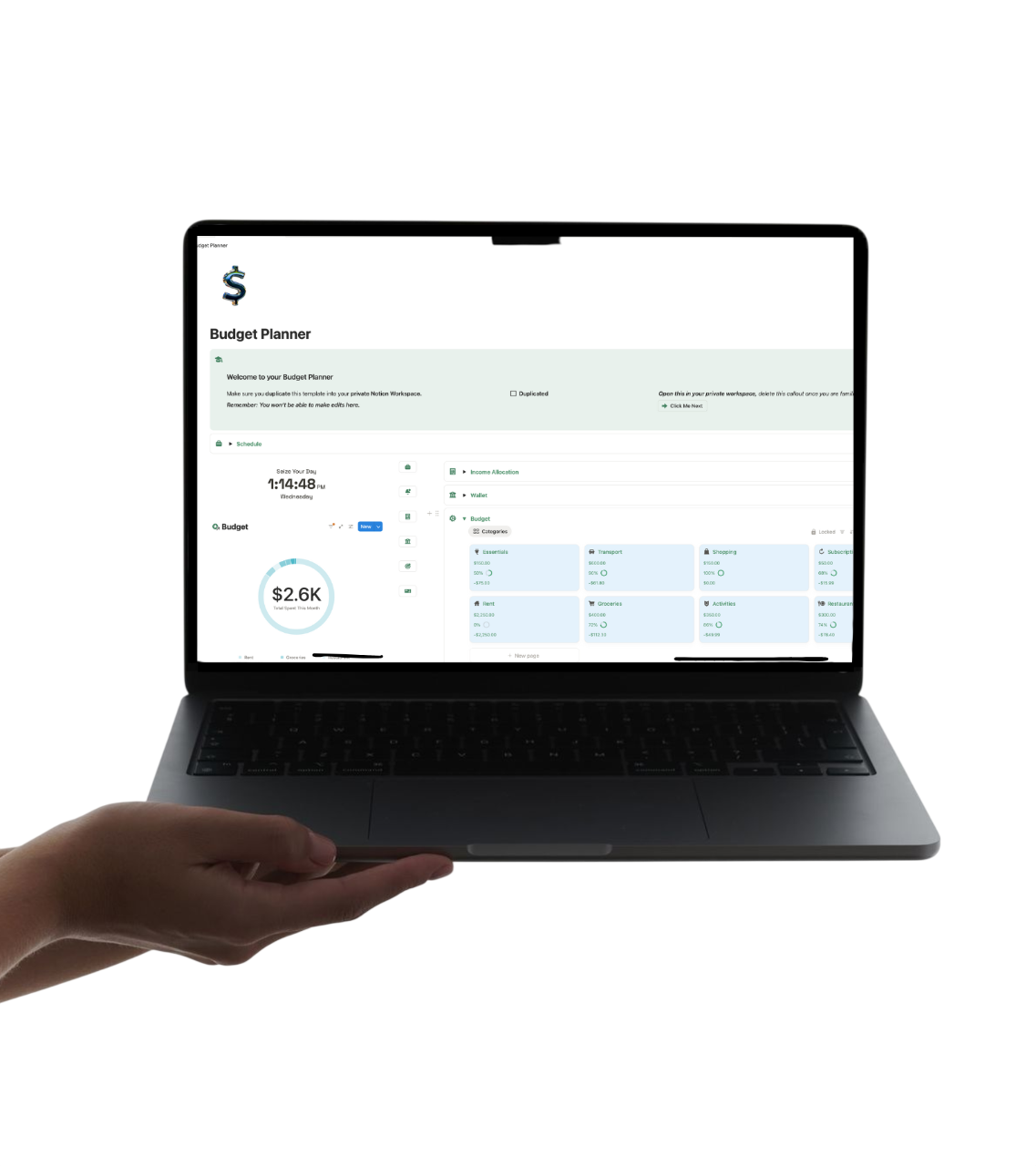
The Budget Planner - Digital Financial Manager

$28.00

Notion Budget & Money Planning Template

For when you want control over your money — without guilt, spreadsheets, or stress.

Budget Planner is a gentle but powerful Notion budgeting template designed to help you understand your money instead of avoiding it.

What You See Inside (At First Glance)

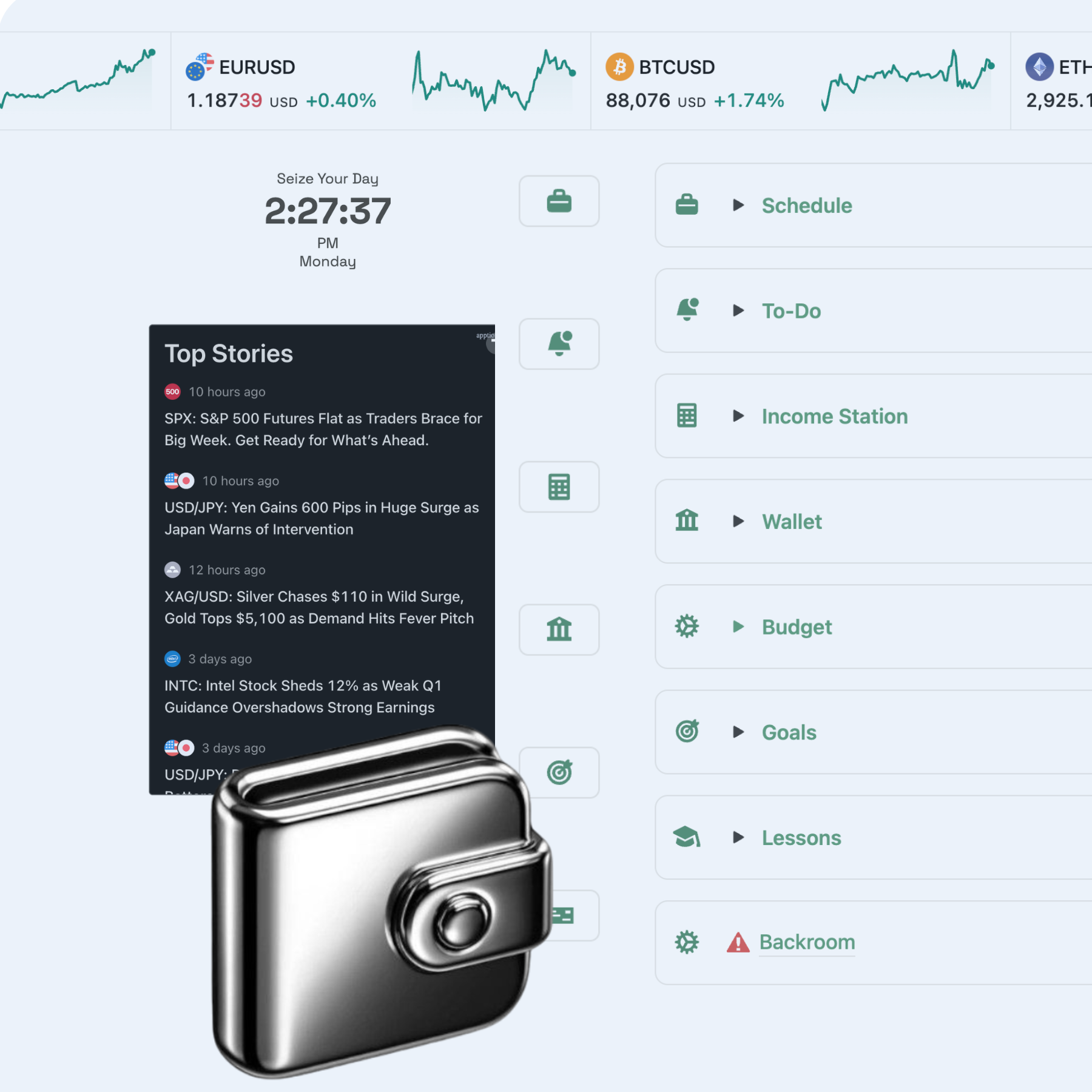
Income Allocation System
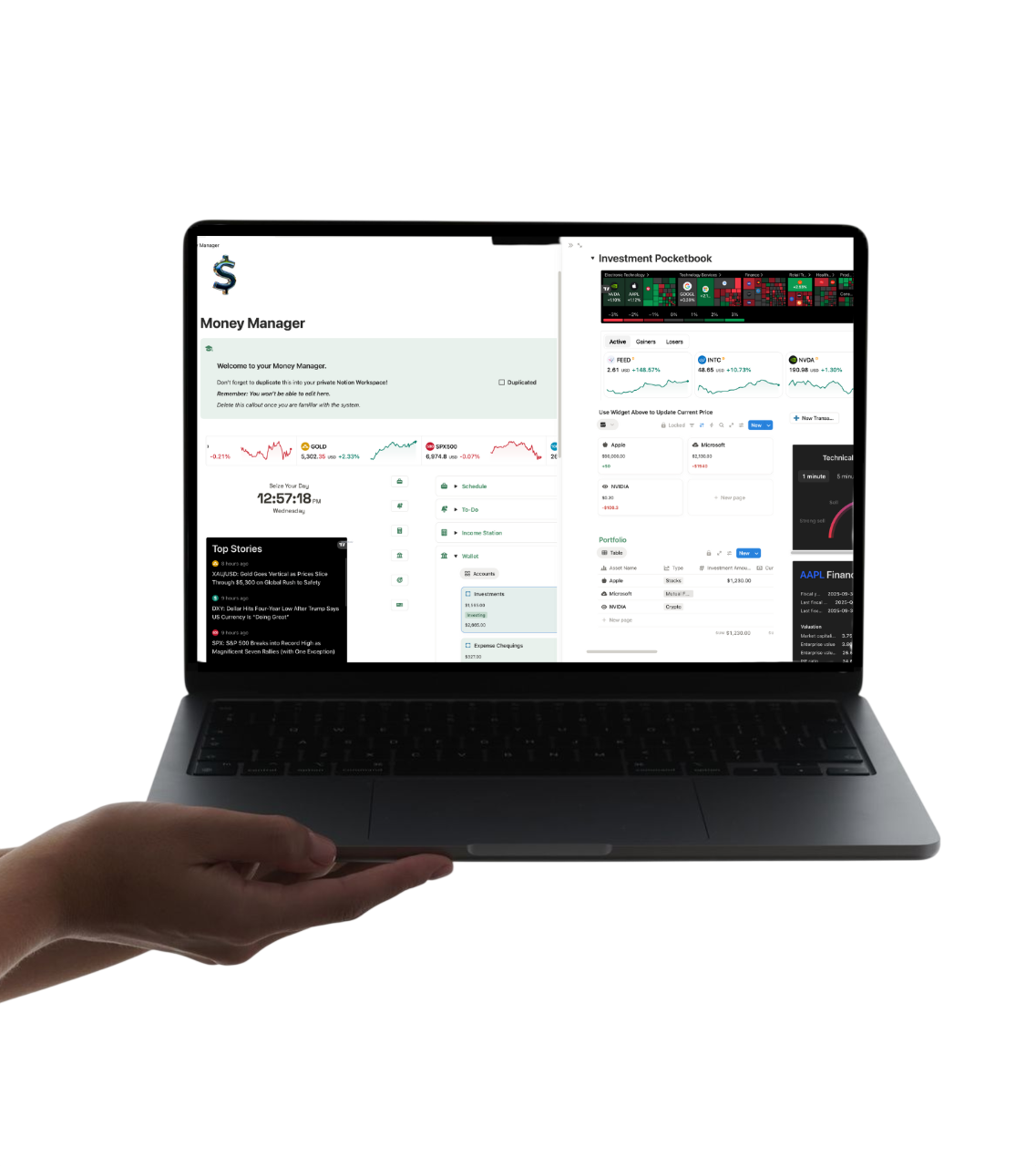
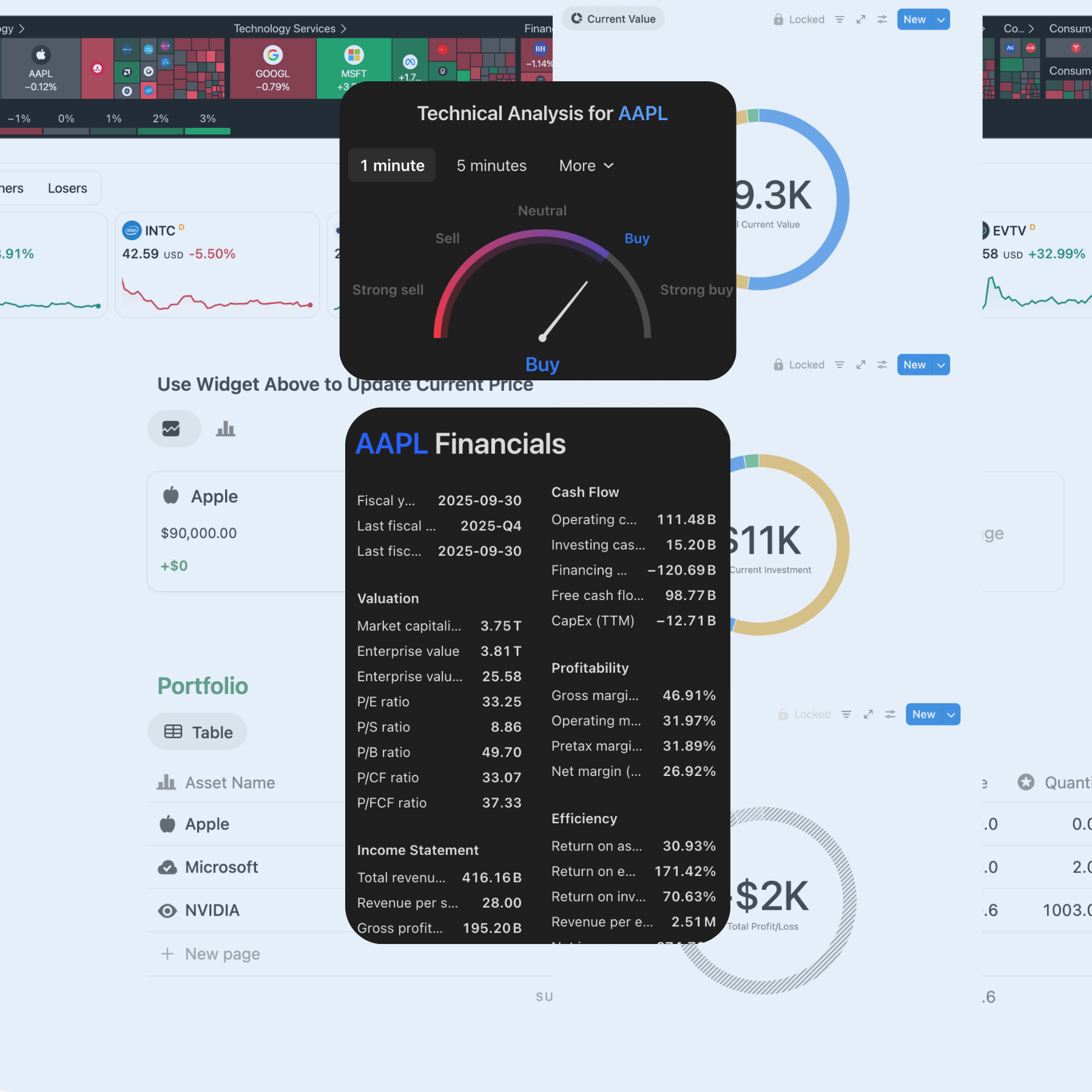
Wallet & Account Tracker
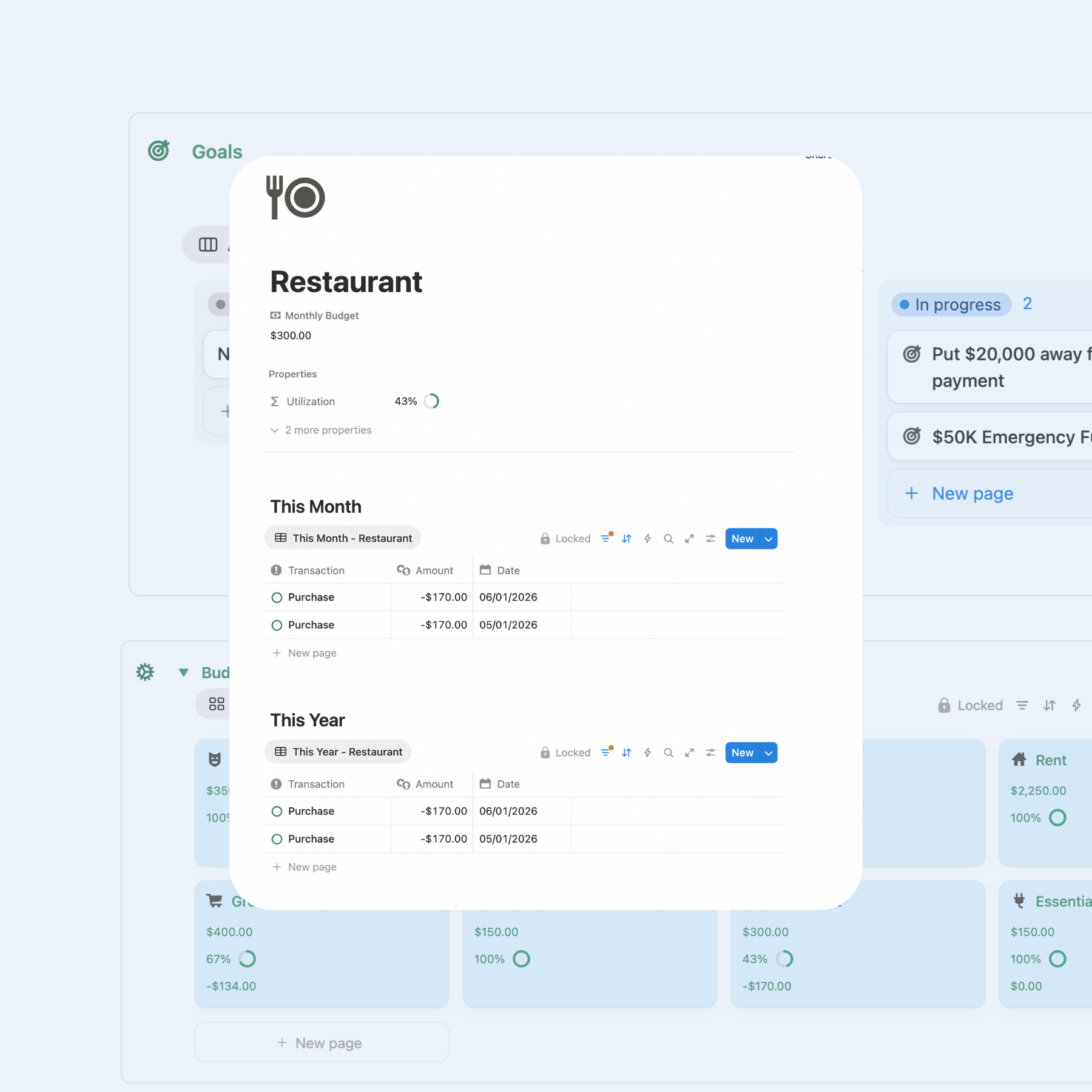
Budget Categories Dashboard
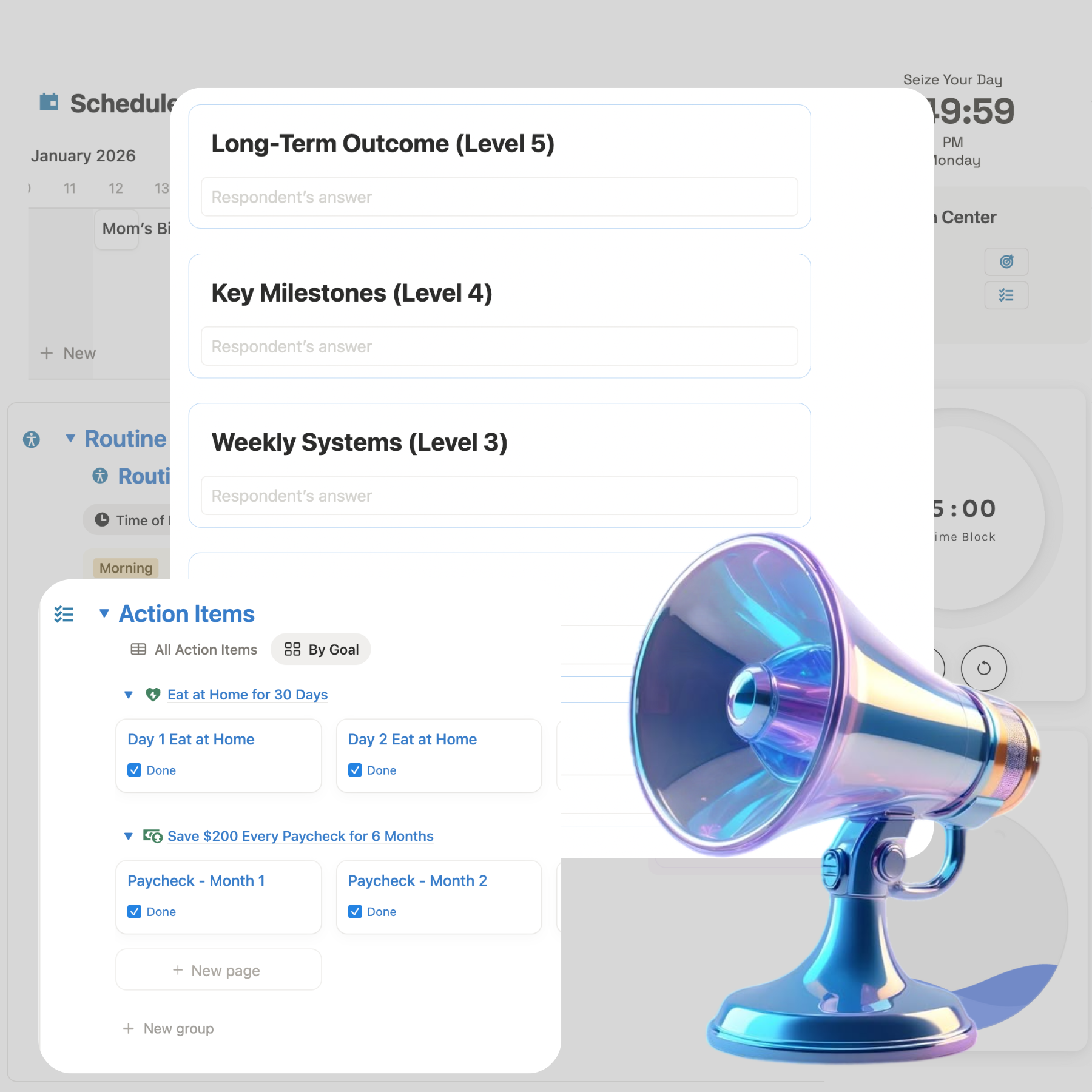
Financial Goals
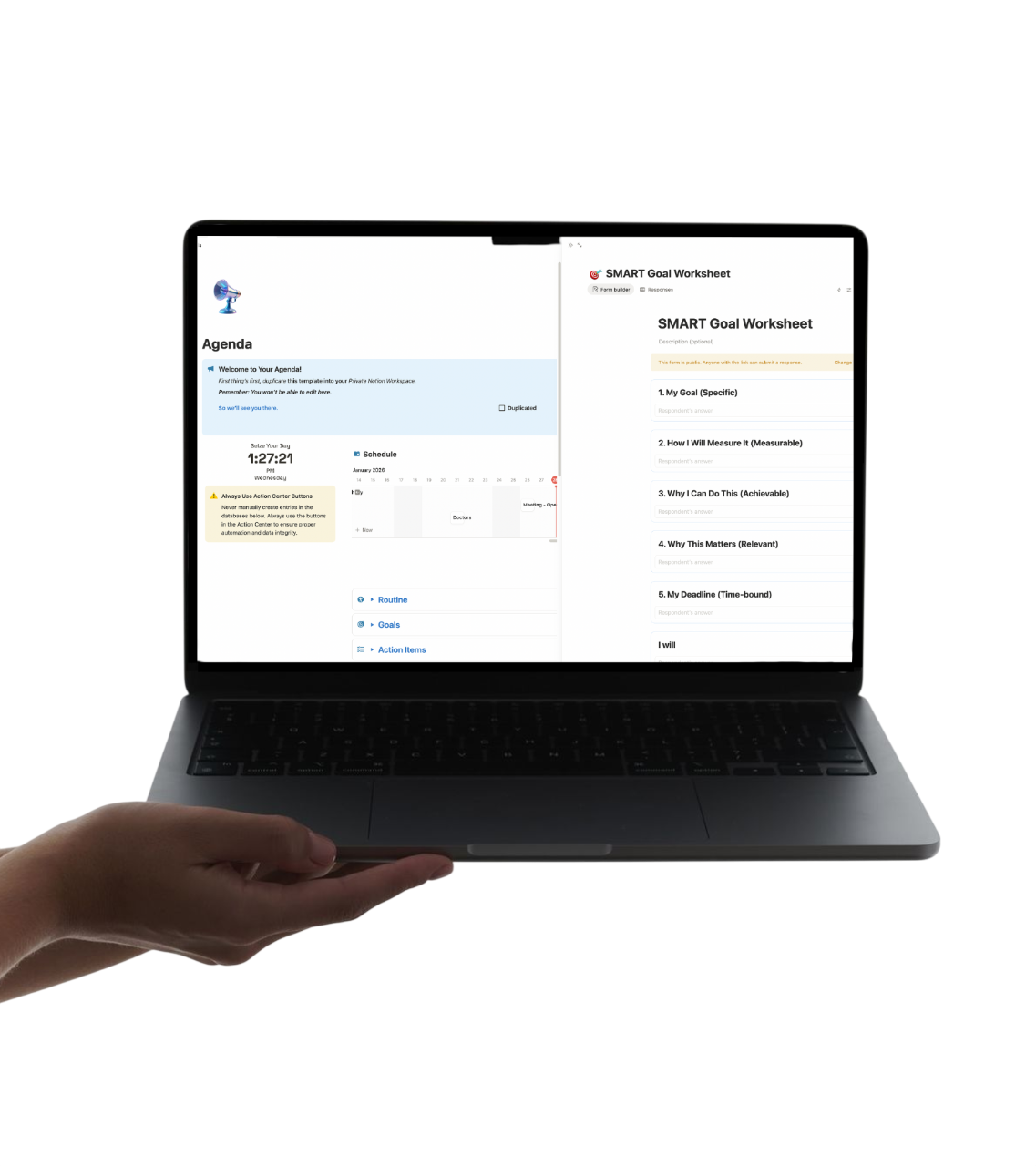
Schedule
Built-In Lessons:
• Credit
• Investing
• Business Incorporation
• Taxes

This template doesn’t shame your spending. It gives your money direction.

You can see where everything lives, how it’s being used, and what it’s working toward. The educational sections quietly teach you as you go — so every decision starts to feel informed instead of reactive.

Perfect for: beginners and growing professionals who want a calm, structured way to manage money in Notion.

Money doesn’t need pressure.
It needs clarity.

Notion Budget & Money Planning Template

For when you want control over your money — without guilt, spreadsheets, or stress.

Budget Planner is a gentle but powerful Notion budgeting template designed to help you understand your money instead of avoiding it.

What You See Inside (At First Glance)

Income Allocation System
Wallet & Account Tracker
Budget Categories Dashboard
Financial Goals
Schedule
Built-In Lessons:
• Credit
• Investing
• Business Incorporation
• Taxes

This template doesn’t shame your spending. It gives your money direction.

You can see where everything lives, how it’s being used, and what it’s working toward. The educational sections quietly teach you as you go — so every decision starts to feel informed instead of reactive.

Perfect for: beginners and growing professionals who want a calm, structured way to manage money in Notion.

Money doesn’t need pressure.
It needs clarity.

How Access Works

This is a digital Notion template delivered via private email invitation.

1. Purchase

After checkout, you’ll receive an email invitation to access the template.
Use the same email you use for Notion.

2. Duplicate (Required)

Open the template and click “Duplicate” in the top-right corner.
Save it to your own Notion workspace.

⏱ You have 48 hours to duplicate. After that, access expires.

3. Your Copy

Once duplicated:

  • The template is yours permanently

  • Fully editable in your own workspace

  • No longer connected to the original file

Important Notes

  • Use Action Center buttons to add entries

  • Do not edit backroom databases to avoid breaking automations

  • By purchasing this template, you acknowledge and agree to the personal-use license (no resale or sharing)

Works with Notion Free & Paid plans. Desktop recommended for setup.